
FIRST-RACE CHECKLIST
Disney Speedstorm
Free-to-play kart racing. Compete with friends, not a shared co-op campaign.
Sources checked
Controller buttons
Hardware locations, not verified Disney Speedstorm actions. Check your game’s active controls and edition below.
PS5 ↔ native Switch 2 is a combined-source inference, not confirmed for this exact pair. Not hands-on tested.
1. Get the right edition
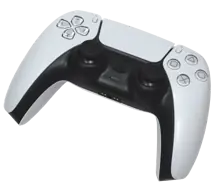
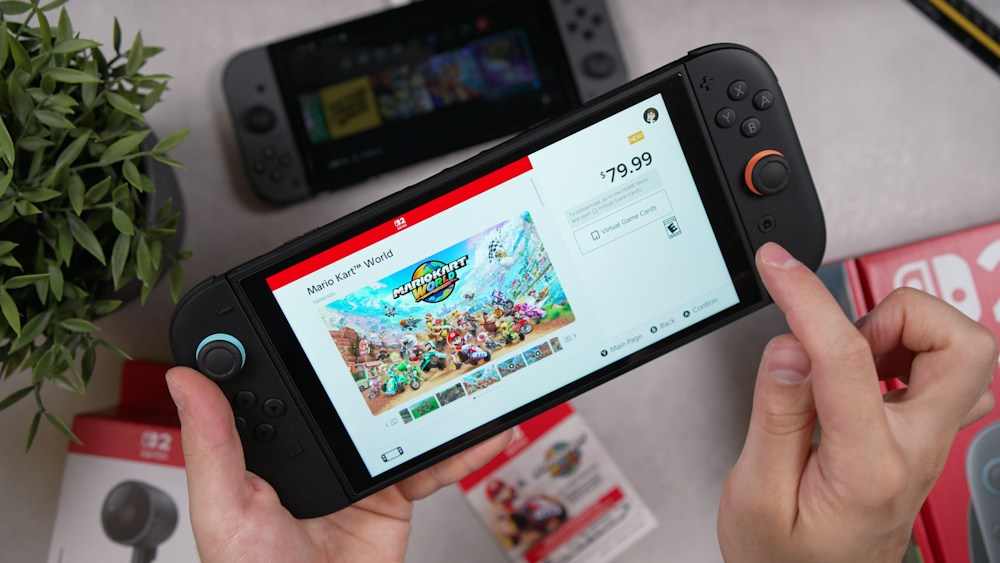
Hardware photos, not a button map. Use your own account; no Friend’s Pass.
Edition, account & online-cost details
A free-to-play competitive kart racer, not a shared co-op campaign. Start with the documented Private Track route and the gaps below.
Qualified starter, not hands-on console testing. PS5 ↔ native Switch 2 support is a combined-source inference, not an explicitly named console pair. Account, subscription and invitation details remain unverified.
PS5: Disney Speedstorm — PS5 version. [1]
Switch 2: Disney Speedstorm – Nintendo Switch 2 Edition. Official Nintendo listing gives July 15, 2026 release and an Upgrade Pack option. Do not call this only a backward-compatibility patch. [2]
Switch 2: Original Nintendo Switch Disney Speedstorm. Nintendo explicitly marks the original Switch game supported on Switch 2. Distinguish this from the native edition. [3]
Native Switch 2: Nintendo explicitly labels the native edition Cross-platform play. Gameloft confirms console crossplay generally. Exact PS5/native Switch 2 pair: Not explicitly named together in the official text retrieved; supported as a combined-source inference, not a hands-on test. [2][3][4][5]
- Download the free base game on each console. PS Store lists free PS5 and PS4 packages; choose PS5 for this guide. Optional purchases are not needed for the starter session. [1]
- Use each player's own platform identity and progress. No Friend's Pass is involved.
- Whether registered Gameloft ID is mandatory for this exact crossplay route remains unverified. Do not link your account to your friend’s account: Gameloft ID / Link Code instructions describe synchronizing one person's progress across devices. [7]
- Current game-specific PS Plus and Nintendo Switch Online requirements remain unverified here. The 2023 FAQ's six-month Early Access exception is not a current subscription rule. Check the applicable console store before paying. [5][1][2]
Hardware photo credits
DualSense: Alex Cochrane / Wikimedia Commons (opens new tab) · CC BY-SA 4.0 (opens new tab). Background removed with an alpha-only mask, proportionally resized and WebP-compressed by SubeR; derivative also CC BY-SA 4.0. Switch 2: Daniel Romero / Unsplash (opens new tab) · Unsplash License (opens new tab). Existing photo unchanged; historical screen price is not a current offer. No endorsement implied.
2. Try a Private Track
- Friendly Race
From the main menu, open Friendly Race. [6]
- Private Track
Choose Private Track. [6]
- Create or join
Create a custom lobby and invite the friend, or join an existing lobby. [6]
Friend search and invite screens remain unverified. Keep accounts separate: a cross-save Link Code is not a friend invite.
Joining limits & split-screen distinction
The official page does not explain current cross-platform friend search, the required identifier, request acceptance or lobby-code entry. These steps are not a complete current-console walkthrough. [6]
Local Freeplay is split-screen; it is not the remote PS5–Switch 2 route. [6]
3. Check your controls
From the main menu choose OPTIONS in the upper-right corner, then Game Settings > Controls. [8]
Steer → drift → boost. Practise one action at a time using your own prompts; default console buttons are unverified.
Actions to practise & control caveats
Each player should find steer, accelerate/brake, drift, boost, jump and skill in their own displayed controls before racing. Do not translate button letters between controllers. [8]
Action practice is editorial guidance; no console default button chart was verified. [8]
Your first 20 minutes
Editorial practice plan, not a guaranteed timetable.
- 0–5 minutes
Complete any opening prompts, inspect your controls and keep purchases out of the session.
- 5–10 minutes
Try the documented Private Track route; confirm both names appear before starting. If the friend-add screens differ, pause rather than linking accounts.
- 10–20 minutes
Repeat one track. Practise one cornering skill at a time, then compare your routes.
Timing & tutorial caveats
Current tutorial unlock requirements and exact setup duration were not verified.
A flexible learning plan, not an official walkthrough or progression promise.
Want to talk while racing?
Keep a separate call available; cross-platform in-game voice is unverified.
Voice & Nintendo GameChat limits
No official evidence retrieved confirms or denies PS5–Switch 2 in-game voice. Arrange a separate phone call if you want reliable conversation; Nintendo GameChat does not connect a PS5 player. [9]
If setup gets stuck
Cross-platform connection fails
Confirm cross-play is enabled for both players. [5]
You selected split-screen but your remote friend cannot join
Use Friendly Race > Private Track instead of Local Freeplay. [6]
You are asked to link accounts to synchronize progress
Do not use a cross-save link code as a friend invite. Each friend should keep their own progress. [7]
What still needs checking
Exact console pairing, accounts, subscriptions, invites, voice and default buttons remain unverified.
All 7 verification gaps
These gaps are not claims that a feature is impossible. Check your current game’s prompts.
- Exact PS5/native-Switch-2 pair statement
- Current game-specific subscription wording
- Mandatory registered Gameloft ID for crossplay
- Exact cross-platform add-friend/join screens
- Native in-game cross-platform voice
- PS5 and Switch 2 default bindings
- Current tutorial/mode unlock conditions
Sources & artwork
Reviewed ; source review is not console testing.
Official sources (9)
Page-check dates are not game-update dates. Links open only when you select them.
- PlayStation Store: Disney Speedstorm (opens new tab)
- Nintendo Canada: Disney Speedstorm – Nintendo Switch 2 Edition (opens new tab)
- Nintendo: Disney Speedstorm for Nintendo Switch (opens new tab)
- Gameloft: Can Gameloft Store players play with other platforms? (opens new tab)
- Disney Speedstorm Early Access FAQ (opens new tab)
Published 2023-03-16; current screen labels may differ.
- Gameloft: How do I join a Multiplayer race? (opens new tab)
- Gameloft: Is cross-save/progression shared on all platforms? (opens new tab)
- Gameloft: How can I change the controls? (opens new tab)
- Nintendo: GameChat overview (opens new tab)
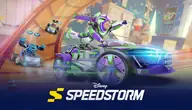
Existing official cover is reused for editorial identification, not as a console-edition label. Copyright stays with its owner; no reuse licence or endorsement is claimed. Icons are original navigation aids, not game screenshots.