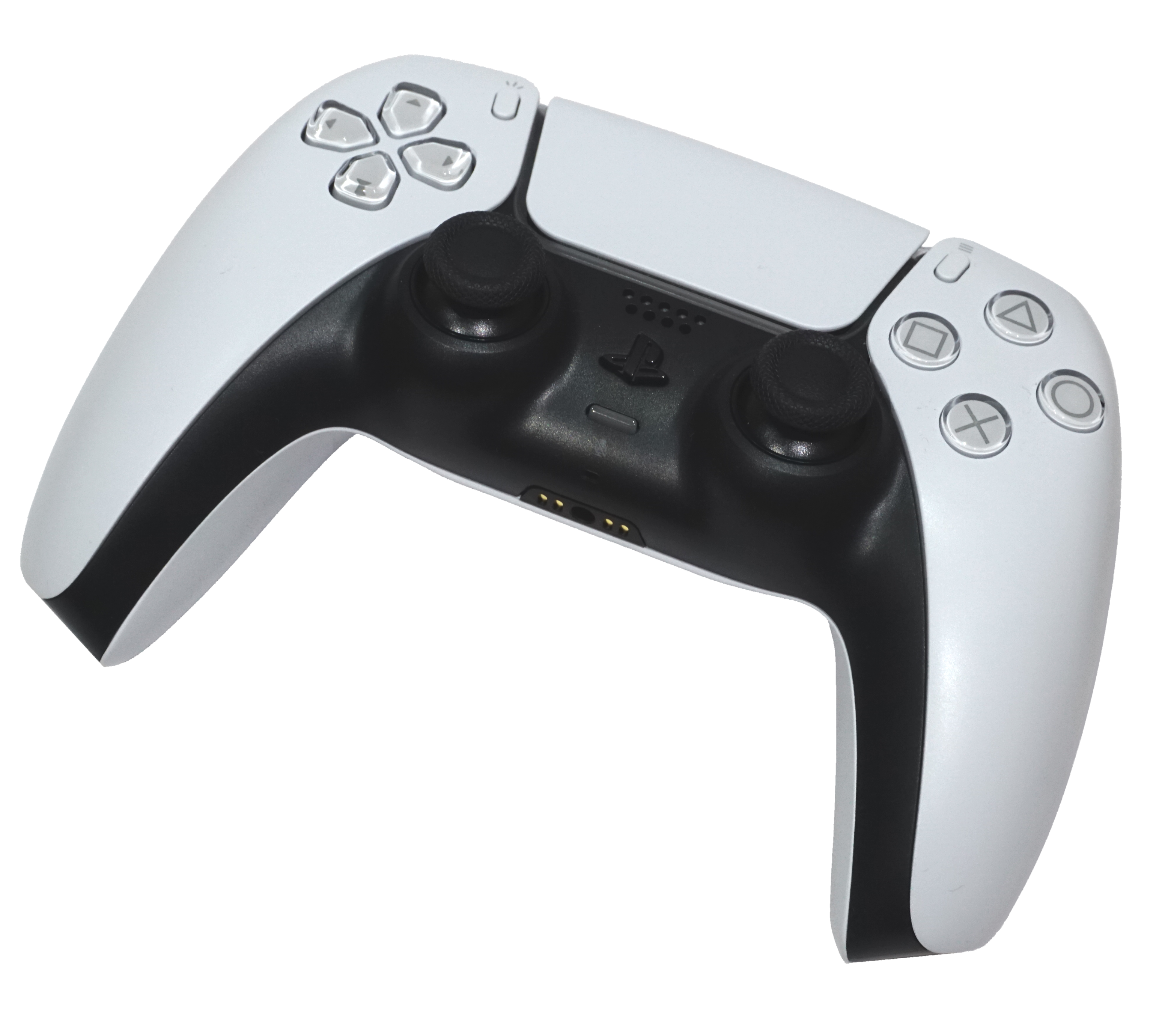
Tap or click a button on the controller to see what it does.
Options
Fortnite · Menu access
Open the game menu
Button locations and names. Choose the dated example for its game actions.
2022 combat example · tap a button
Info, credits & all buttons
Can I Play That? says its captures are from the PS5 version. The controller screenshot selects Custom and Combat Controls. Only readable labels and hold/double-tap colours are transcribed. This is not an official default, a current-patch verification, or the user’s saved layout. Build and edit assignments are not shown. Sources checked 2026-10-23. Current defaults and changes since 2022 remain unverified. Selecting a reference here never changes Fortnite or PS5 settings.
Battle Royale and Zero Build are different. The first-match routine below is for Zero Build. Builder Pro, Combat Pro, Old School, Quick Builder and Custom can map buttons differently; this guide does not guess a universal button layout.
Nintendo Switch 2 · Fortnite
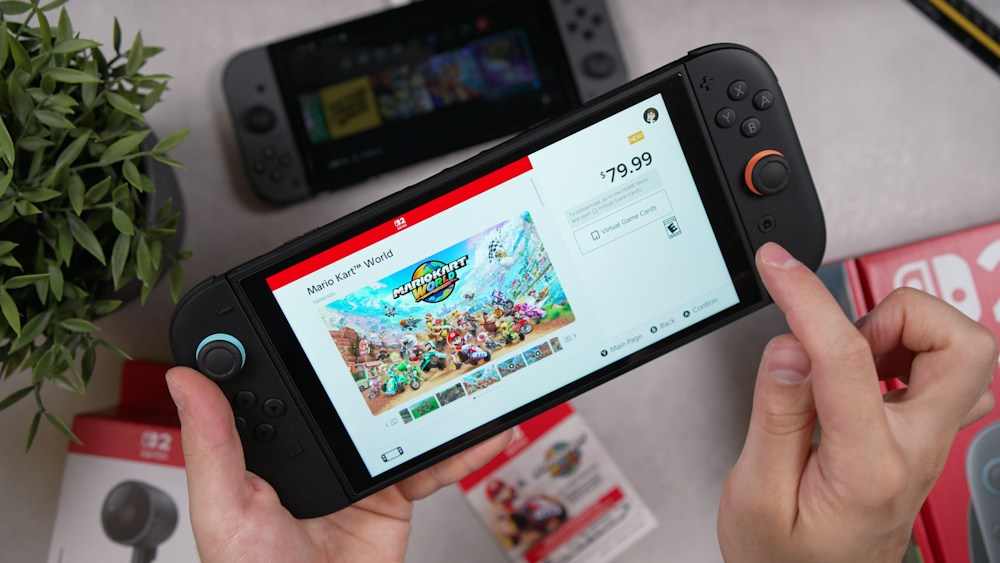
Handheld · Switch 2 + Joy-Con 2
The foreground console is Switch 2. Original Switch Joy-Con do not attach to Switch 2 and have no C button.
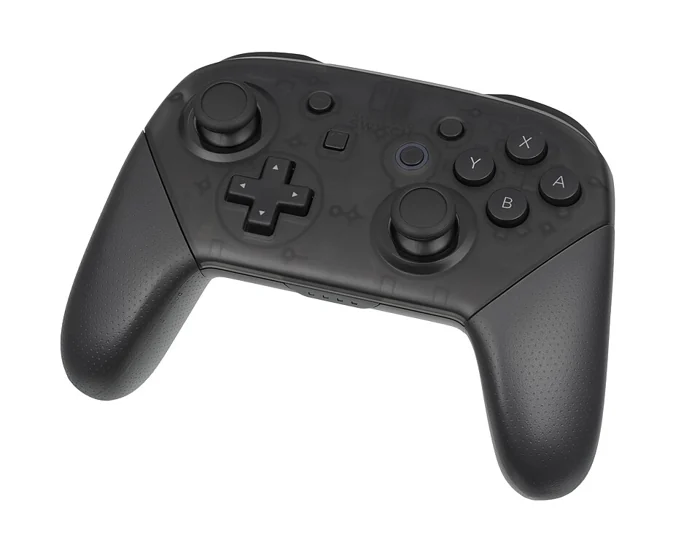
This is the original Switch Pro Controller, compatible with Fortnite on Switch 2. It has no C, GL or GR buttons and no Joy-Con 2 mouse mode.
Photo: Evan-Amos / Wikimedia Commons ↗ · public domain. Proportionally resized and compressed. CSS hides the white surround; photo pixels are unchanged. No generated hardware.
Tap a photo area, then choose an exact button. Or choose a button below to find it in the photo.
Choose a button
Visible buttons will be highlighted. Obscured and rear controls are described without invented photo positions.
Hardware reference first. Fortnite combat/build bindings depend on your in-game preset.
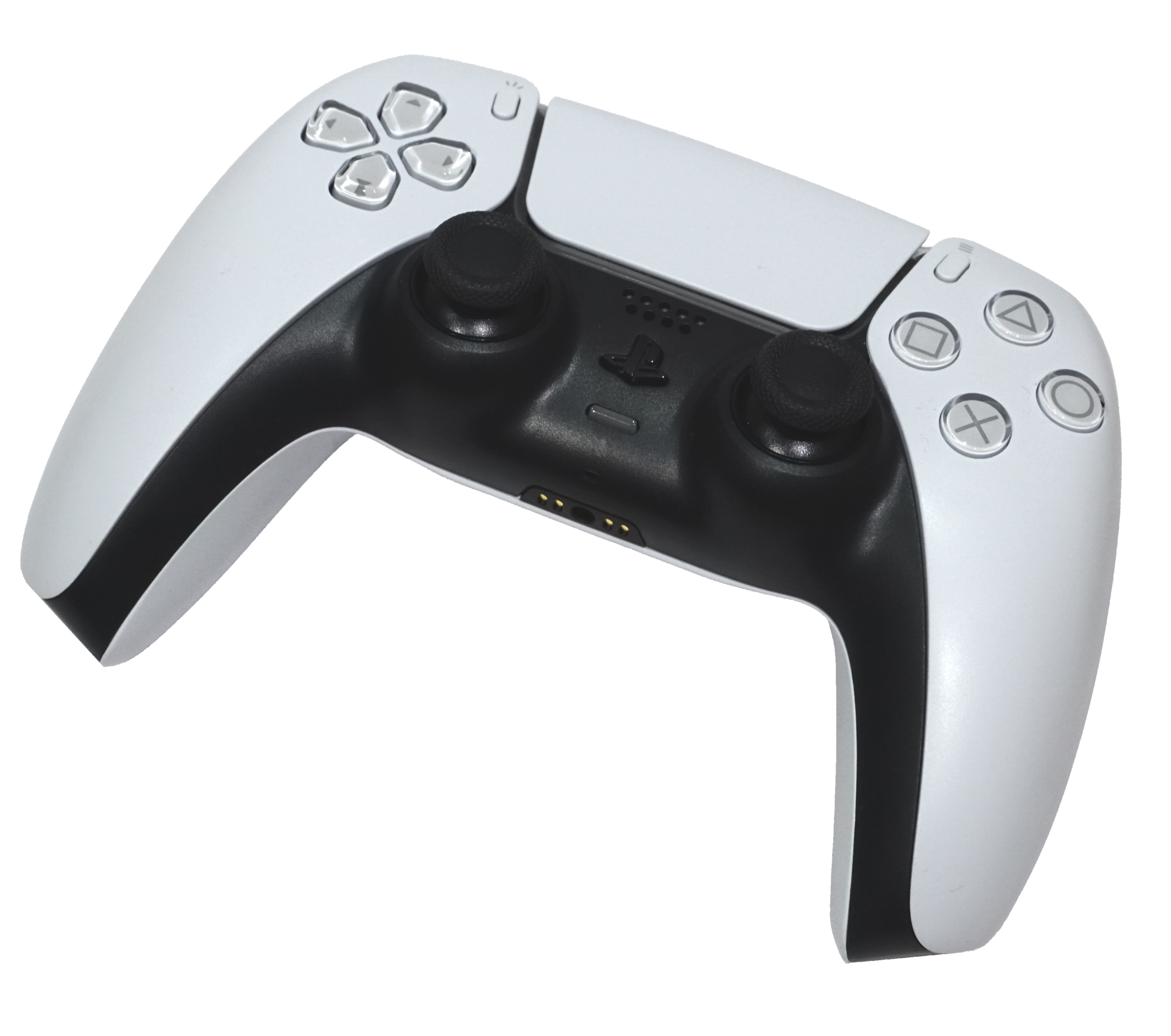
+: open Fortnite’s menu on Switch. On PS5, use Options.
Check your preset: Settings → Controller Mapping. Epic lists Old School, Quick Builder, Combat Pro, Builder Pro and Custom.
Detached Joy-Con 2 mouse mode: Settings → Mouse → Mouse Controls → Right, Left or Both. The right stick is disabled for looking; move the selected Joy-Con 2 to turn.
Mouse primary click: ZR when using Right or Both; ZL when using Left. These are mouse-mode inputs, not combat bindings.
Nintendo X and PlayStation × are different buttons. Joy-Con 2 has separate directional buttons; the Pro Controller has a +Control Pad. The newer Switch 2 Pro Controller adds C and rear GL/GR buttons; it is not the original Pro model pictured here. Switch 2 Pro hardware diagram ↗
Coverage: hardware plus the official Fortnite setup and mouse controls above; not verified button-by-button combat/build bindings. Check the active preset, game mode and any remapping. No claim that every Switch or PS5 game is covered. Epic’s Switch 2 guide excludes Save the World. Fortnite on Nintendo Switch 2 ↗
Official sources checked 23 October 2026. Source-backed reference, not independently tested in-game.
Quick lessons
Illustrations, not gameplay
PS5 setupCheck your layoutOptions → Settings → Mapping+
Press Options, open Settings, then find Controller Mapping.
Read the selected preset. Choose Custom only if you intend to change your own bindings.
Apply changes, then check them in a low-pressure session before jumping into a match.
Open Settings → Game → Simple Edit to enable or disable it.
In an eligible build, look at a section and use the Edit input from your own Controller Mapping. Simple Edit works from the part you look at rather than manual tile selection.
Try Tap To Simple Edit for a one-press interaction, or switch it off to use the held interaction. Compare the result at different aim points before a match.
Official sources conflict on competitive availability. Check your current event or mode and in-game setting; this guide asserts neither a universal ban nor universal availability.
Zero BuildCross with coverPick cover → move → reassess+
Before crossing open space, choose the next covered position and a route you can leave by. This is SubeR’s own practice suggestion.
Epic describes sprinting from cover to cover and mantling for elevation. Check those actions in your own Controller Mapping rather than guessing a button.
Read the current HUD for protection and movement availability. Zero Build uses a recharging Overshield, but this guide assigns no fixed capacity or timer.
A May 2026 developer post described Season 2 experiments. Their pocket items, elimination rewards, fall-damage and stamina changes are not assumed to remain current.
Guide sources checked 2026-10-19. Controller references carry their own dates. Practice plans are by Suber. The four realistic practice scenes are AI-generated illustrations, not Fortnite screenshots or evidence of game controls. The controller is the real, credited photograph used above.
Battle Royale and Zero Build are different. The first-match routine below is for Zero Build. Builder Pro, Combat Pro, Old School, Quick Builder and Custom can map buttons differently; this guide does not guess a universal button layout.
Check your layout
Choose your actual preset; Custom can differ
Identify jump, crouch, interact and weapon switching on your own screen. The controller visual here is a hardware reference, not Fortnite’s complete mapping.
Your first drop
Any preset · Zero Build only
In Zero Build, standard player building is disabled. Use the environment, and review one decision after the match.
Epic establishes the no-building mode. This three-part routine is Suber’s own beginner practice suggestion, not a map route, guaranteed tactic or seasonal loadout.
Practice one move
Your saved preset; practice in your chosen mode
If you play builds, practice building separately. This Zero Build starter routine does not teach building or editing inputs.
An original Suber practice routine. Epic’s controller documentation is linked so you can check your own layout; no current build-mode bindings are asserted.
Simple Edit
Your Edit binding · supported build modes
Treat this as a separate editing practice session, not a Zero Build exercise.
Epic support and the 1 May 2025 competitive announcement disagree about availability. Neither establishes every October 2026 event rule.
Cross with cover
Any preset · core Zero Build concepts
After the crossing, ask whether your route reduced exposure or simply moved the fight.
Events & Creative / UEFN history
Selected official records
Checked 22 October 2026, 15:46 UTC. Selected official records, not complete history or a live feed.
· Ecosystem release date · not full Battle Royale notes
42.40 ecosystem release
Creative/UEFN changes include Discover, custom abilities and LEGO tools. Separate article publication date unavailable.

 PS5 setupCheck your layoutOptions → Settings → Mapping