

PS5 ↔ SWITCH 2 · START TOGETHER
No Man's Sky setup guide
Use the multiplayer-capable editions and No Man’s Sky friend codes to meet in the same group.
Sources checked
Controller buttons
Hardware locations, not verified No Man's Sky actions. Check your game’s active controls and edition below.
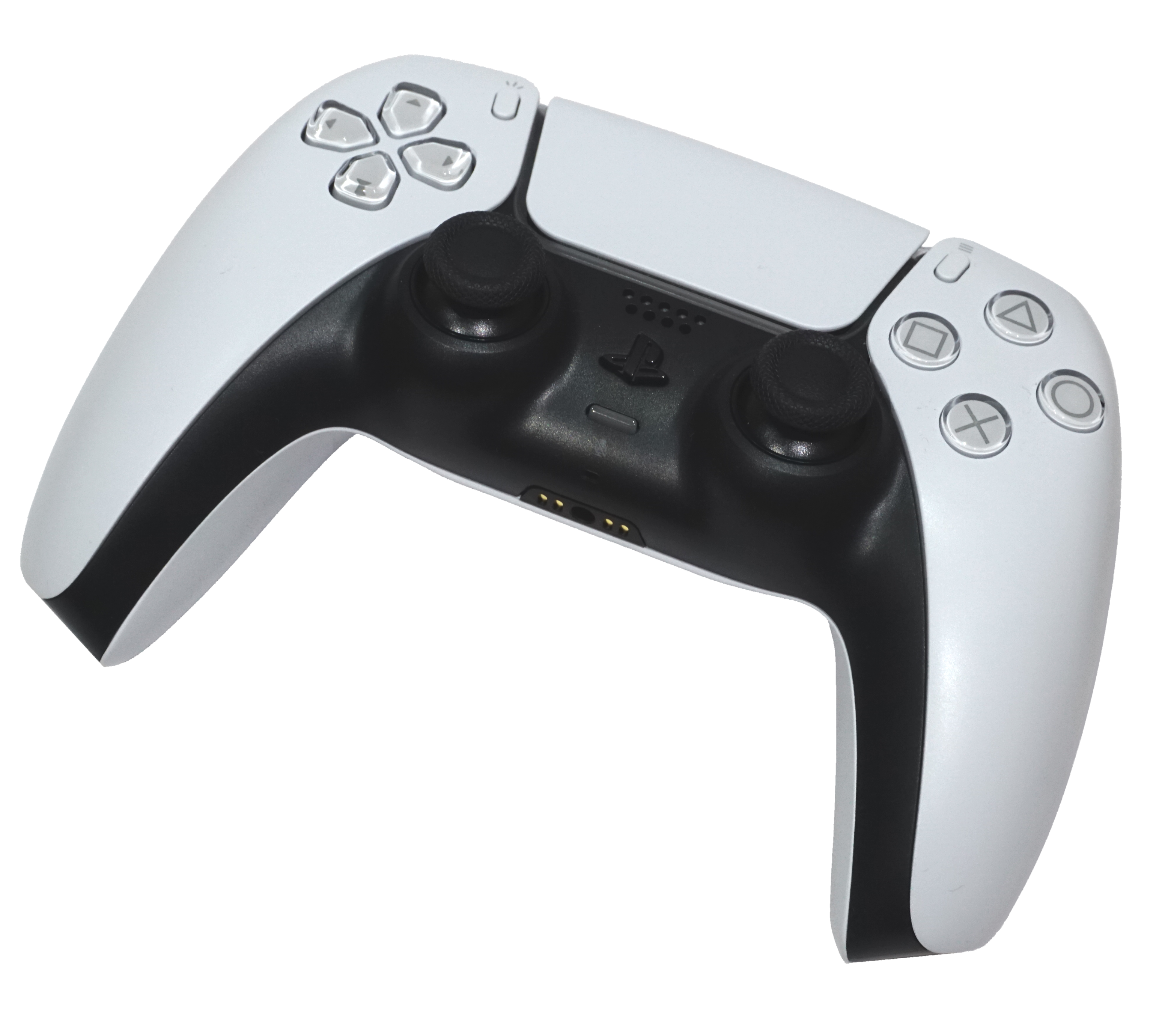
Source-checked setup, not hands-on console testing. Use Nintendo Switch 2 Edition for multiplayer. Exact current join screens, save-mode compatibility and cross-platform microphones remain unverified.
Install the right editions
PS5: No Man's Sky PS4 & PS5 — select the PS5 application. [1]
Switch 2: No Man's Sky – Nintendo Switch 2 Edition. Hello Games introduced full multiplayer and crossplay on this edition. Existing original Switch owners can obtain the free Upgrade Pack through Nintendo eShop. [3][2]
Accounts, copies & online costs
- Each player needs access to the full game on their console. No Friend's Pass route was documented. [1][2]
- PS Plus is required for PS5 online play. Nintendo Switch Online is required for Switch 2 multiplayer. [1][3]
- Use each player's own platform account. Multiplayer uses No Man's Sky friend codes; a separate Hello Games cross-save account was not established as a joining prerequisite. [4]
Get into the same session
Hello Games verifies friend codes, Network Options and frontend/in-game group joining. Exact current invite/accept labels, privacy-setting order and Normal/Permadeath/Expedition compatibility were not verified. The final visibility check is editorial advice. [4][1][2]
Nintendo and PS Store both list 1–4 online for these console editions; do not infer a four-player limit for every public hub or every platform. [4][1][2]
- Launch the multiplayer-capable editions. [4][1][2]
- Open Network Options and the No Man's Sky Friends screen. [4][1][2]
- Exchange your unique No Man's Sky friend codes and add each other. [4][1][2]
- Have one player open a game; the other can create or join a cross-platform group in-game or from the startup interface. [4][1][2]
- Confirm that you are in the same group and can see each other before choosing an objective. [4][1][2]
Talk to each other
Hello Games documents in-game voice features historically and GameChat support on Switch 2, but those pages do not establish microphone audio between native PS5 and Switch 2. Use a separate call if needed; GameChat is not a PS5 bridge. [4][3][6]
Check your own controls
Hello Games supports customized console button assignments across every platform. Inspect your own controls screen rather than copying an old PS4 or original Switch chart. [5]
Find movement/look, interact, mine/scan, jetpack, inventory/recharge and the quick menu. When you reach a ship, read the launch, accelerate and land prompts separately. [5]
The practice list is editorial; no verified default console binding chart was retrieved, and VR motion controls are not relevant to this non-VR guide. [5]
First 20 minutes — editorial practice plan
A flexible learning plan, not an official walkthrough or progression promise. Reaching space, the Anomaly or a shared base within 20 minutes is not guaranteed.
- 0–5 minutes: Join the same group and make sure you can actually see each other.
- 5–10 minutes: Compare your current objectives; choose one player's immediate task and inspect your own control prompts.
- 10–20 minutes: Practise gathering, movement and inventory management together. Stop and regroup if one player gets ahead.
If setup gets stuck
No multiplayer on the Switch 2 installation
Check that you obtained and launched Nintendo Switch 2 Edition, including the free upgrade if you own the original Switch game. [3]
Console friend lists do not show your cross-platform friend
Use the unique No Man's Sky code in its in-game Friends screen under Network Options. [4]
Online access asks for a subscription
Check PS Plus entitlement on PS5 and Nintendo Switch Online entitlement on Switch 2. [1][3]
Do not delete saves, unlink accounts, reinstall or buy another copy as an unverified version-mismatch fix.
Still unverified
These gaps are not claims that a feature is impossible. Check your current game’s prompts rather than assuming a button or screen.
- Current button-perfect invite/accept/privacy sequence
- Save-mode compatibility matrix
- PS5/Switch 2 default mappings
- Exact cross-platform microphone support
- Current-build compatibility table
Official sources
Reviewed . Page-check dates are not game-update dates. These links open only when you select them; source review is not console testing.
- PlayStation Store: No Man's Sky PS4 & PS5 (opens new tab)
- Nintendo: No Man's Sky – Nintendo Switch 2 Edition (opens new tab)
- Hello Games: Beacon Update (opens new tab)
- Hello Games: Introducing Crossplay for No Man's Sky (opens new tab)
Published 2020-06-10; current screen labels may differ.
- Hello Games: Voyagers Update (opens new tab)
- Nintendo: GameChat overview (opens new tab)
Existing official artwork is reused for editorial identification, not as a console-edition label. Copyright stays with its owner; no reuse licence or endorsement is claimed.