
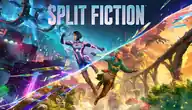
PS5 ↔ SWITCH 2 · START TOGETHER
Split Fiction setup guide
Get two players into the same adventure, with one full copy and the correct Friend’s Pass.
Sources checked
Controller buttons
Hardware locations, not verified Split Fiction actions. Check your game’s active controls and edition below.
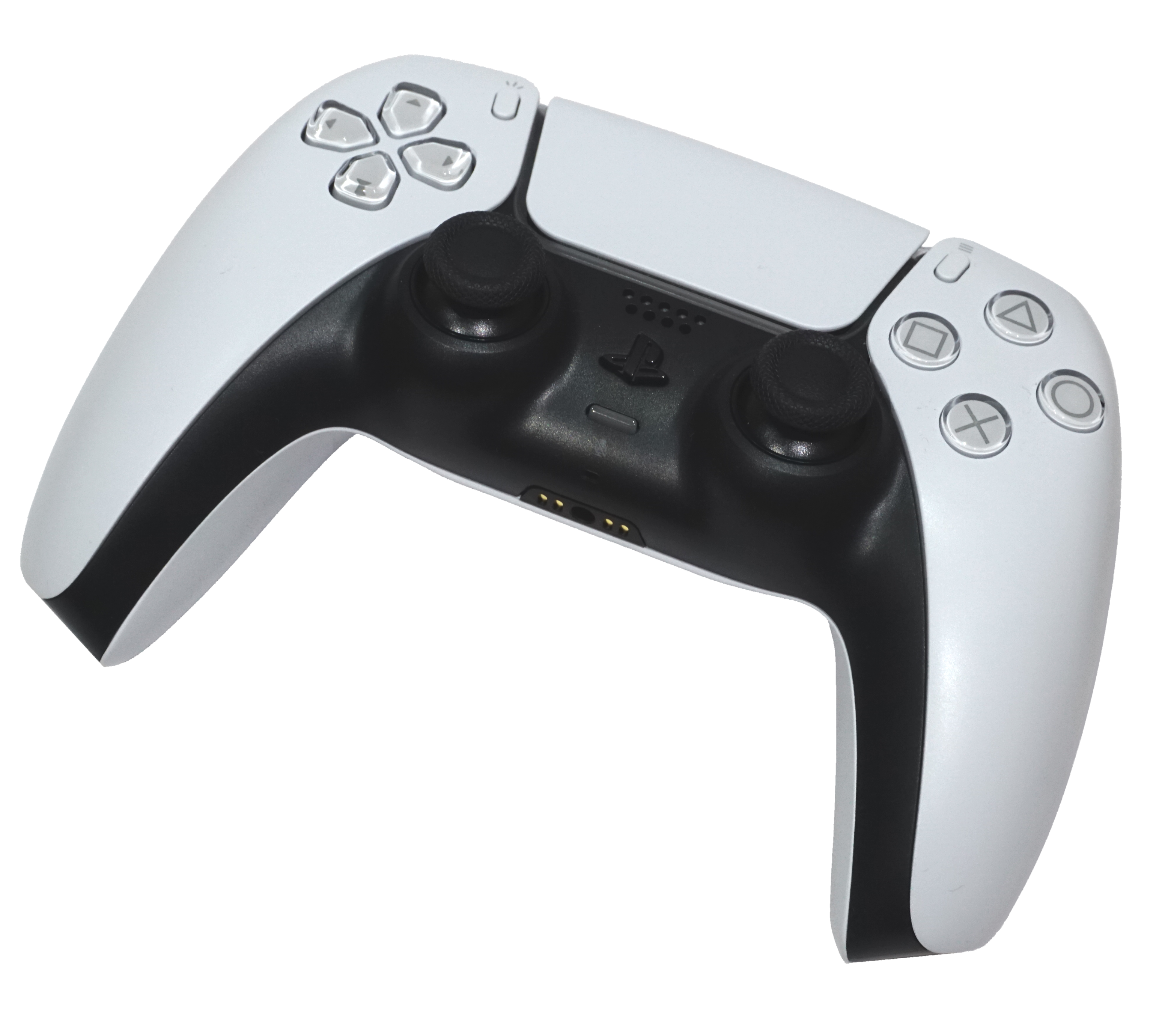
Source-checked setup, not hands-on console testing. Default buttons and PS5 ↔ Switch 2 microphone behaviour remain unverified.
Install the right editions
PS5: Native PS5 game or PS5 Friend’s Pass [1][4][3]
Switch 2: Native Nintendo Switch 2 game or Switch 2 Friend’s Pass [1][4][3]
PS5 ↔ Nintendo Switch 2 cross-play is explicitly confirmed by EA. [1][4][3]
Accounts, copies & online costs
- For the full adventure, one player owns the full game; the other installs the free Friend’s Pass for their console. Two passes can try the opening demo. [1]
- Each player uses their own platform identity and an EA account linked to it. [1]
- Online play needs PS Plus on PS5 and a paid Nintendo Switch Online membership on Switch 2; the free pass does not waive these memberships. [3][5][4]
Get into the same session
- Both open the game or their console’s Friend’s Pass and sign into EA. [1]
- On PS5, enable cross-play invitations in Options → Privacy Settings. [2][3]
- The full-game owner chooses EA Friends List when inviting to an online session and adds the partner’s EA account. [1]
- The owner sends the in-game invite. The guest keeps Split Fiction running, signed into EA, and accepts inside the game. [1]
- The owner selects where to begin. Only one invited partner joins at a time. [1]
Talk to each other
PS5 ↔ Switch 2 in-game microphone support was not established by the official pages reviewed. Keep a separate call available. Nintendo GameChat cannot include the PS5 player. [7]
Check your own controls
Open the game’s settings and preview your own controls before playing; EA confirms per-player remapping and a basic-mechanics tutorial. Practise moving, turning the camera, jumping and interacting using your own prompts. [6]
Exact PS5 and Switch 2 default action-to-button mappings are not verified. Do not translate Nintendo button letters from another platform or another game. [6]
Repeated presses and stick-motion tasks can be simplified in accessibility settings. [6]
First 20 minutes — editorial practice plan
A flexible learning plan, not an official walkthrough or progression promise. A flexible plan after downloading/updating, not a guaranteed walkthrough timetable.
- 0–5 minutes: Form the session, choose characters and check subtitles and each player’s controls.
- 5–10 minutes: Take the tutorial slowly: move, look around and practise each newly displayed action.
- 10–20 minutes: Pause before new obstacles. Say what your character can do; count down before coordinated actions.
If setup gets stuck
EA Friends List is missing on PS5
Enable cross-play in Options. [1]
The invitation does not appear
Use the EA in-game invite; the guest must have the game running and be signed into EA. [1]
Two pass users reach the demo boundary
To continue, one player needs the full game and hosts the pass user. [1]
Still unverified
These gaps are not claims that a feature is impossible. Check your current game’s prompts rather than assuming a button or screen.
- Exact current console default bindings.
- PS5 ↔ Switch 2 in-game voice and microphone behaviour.
- Exact current build-number compatibility table.
Official sources
Reviewed . Page-check dates are not game-update dates. These links open only when you select them; source review is not console testing.
- EA — Split Fiction Friend’s Pass for Nintendo Switch 2 (opens new tab)
- EA Help — Get started with Split Fiction (opens new tab)
Useful invite/privacy instructions; older platform list omits Switch 2.
- PlayStation — Split Fiction (opens new tab)
- Nintendo Australia — Split Fiction (opens new tab)
- Nintendo UK — Split Fiction and Friend’s Pass (opens new tab)
- EA — Split Fiction accessibility (opens new tab)
- Nintendo — Become a GameChat pro (opens new tab)
Existing official artwork is reused for editorial identification, not as a console-edition label. Copyright stays with its owner; no reuse licence or endorsement is claimed.